


Features Businesses Should Look for in an HRMS Platform 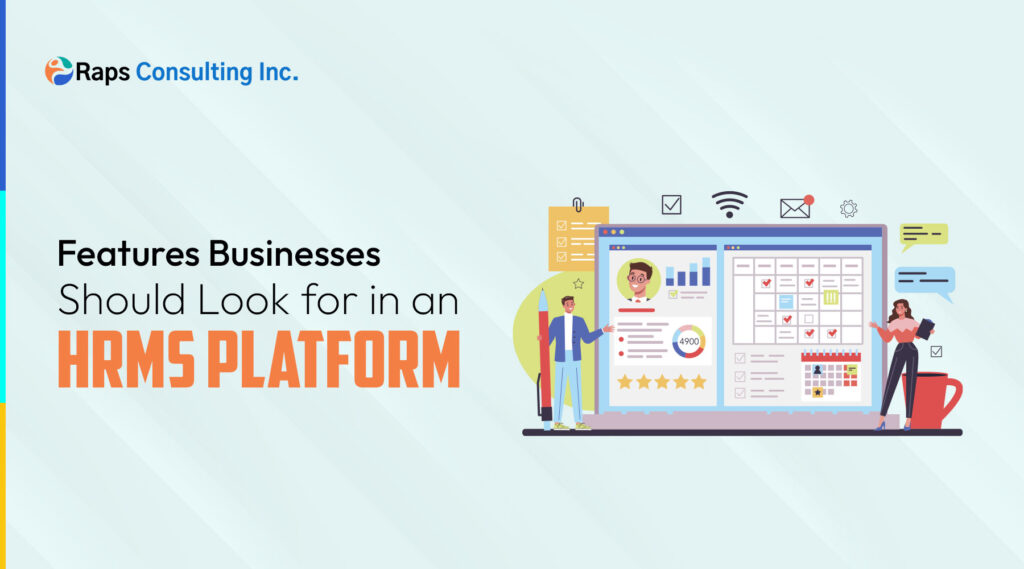
As organizations grow, managing employees through spreadsheets, emails, and disconnected systems becomes increasingly difficult. Human Resources teams are expected to handle recruitment, onboarding, attendance, payroll, compliance, performance management, and employee engagement while maintaining accuracy and efficiency.
This is where a Human Resource Management System (HRMS) becomes a critical business tool. However, not all HRMS platforms offer the same capabilities. Choosing the right solution requires understanding which features deliver the greatest value for your workforce and operational goals.
This HR software buying guide explores the most important HRMS features businesses should evaluate before making an investment.
Why an HRMS Platform Matters
An HRMS centralizes employee information and automates many repetitive HR processes. Instead of managing multiple tools for payroll, attendance, performance reviews, and reporting, businesses can streamline operations through a single platform.
Benefits of implementing an HRMS include:
- Reduced administrative workload
- Improved data accuracy
- Better employee experiences
- Enhanced compliance management
- Faster decision-making through analytics
- Scalable workforce management
The right HRMS not only improves efficiency but also supports long-term business growth.
Employee Information Management
At its core, an HRMS should serve as a centralized employee database.
The system should allow HR teams to store and manage:
- Employee profiles
- Contact information
- Job history
- Organizational structure
- Employment documents
- Certifications and training records
Having all employee data in one secure location reduces manual recordkeeping and improves accessibility across departments.
What to Look For
- Cloud-based storage
- Document management capabilities
- Role-based access controls
- Easy employee record updates
Employee Self-Service Portal
Modern employees expect access to their information without relying on HR for every request.
An employee self-service portal allows staff to:
- Update personal information
- View pay details
- Submit leave requests
- Access company documents
- Track attendance records
This reduces administrative burden while improving employee satisfaction.
Key Benefit
HR teams spend less time handling routine requests and more time focusing on strategic initiatives.
Attendance and Leave Management
Tracking attendance manually can lead to errors and inefficiencies.
A quality HRMS should automate:
- Attendance tracking
- Leave requests and approvals
- Holiday calendars
- Shift scheduling
- Overtime management
Automated attendance systems provide real-time visibility into workforce availability and help managers make informed staffing decisions.
Payroll Integration
Payroll is one of the most critical HR functions.
An HRMS with payroll integration helps ensure:
- Accurate salary calculations
- Tax deductions
- Benefits administration
- Overtime calculations
- Payroll reporting
Integrating payroll with attendance and employee records minimizes manual data entry and reduces errors.
Why It Matters
Payroll mistakes can negatively impact employee trust and increase administrative costs.
Recruitment and Applicant Tracking
Hiring top talent requires speed and organization.
Many modern HRMS platforms include recruitment capabilities such as:
- Job posting management
- Candidate tracking
- Resume screening
- Interview scheduling
- Offer management
An integrated recruitment system helps organizations streamline hiring while maintaining a positive candidate experience.
Onboarding Automation
The employee experience begins before the first day of work.
A strong HRMS should support onboarding through:
- Digital document collection
- Task assignments
- Training schedules
- Policy acknowledgments
- Welcome workflows
Automated onboarding improves consistency and helps new hires become productive more quickly.
Performance Management Tools
Performance management is essential for employee growth and organizational success.
Look for HRMS platforms that offer:
- Goal setting
- Performance reviews
- Continuous feedback
- Development planning
- Manager evaluations
These tools help organizations create a culture of accountability and continuous improvement.
Compliance and Policy Management
Employment regulations continue to evolve, making compliance a growing challenge for businesses.
An HRMS can support compliance efforts by helping organizations:
- Maintain employee records
- Track certifications
- Manage policy acknowledgments
- Generate audit-ready reports
- Monitor regulatory requirements
Compliance-related automation reduces administrative risk and improves recordkeeping accuracy.
Workforce Analytics and Reporting
Data-driven HR decisions are becoming increasingly important.
A modern HRMS should provide dashboards and reporting tools that offer insights into:
- Employee turnover
- Absenteeism trends
- Workforce demographics
- Recruitment metrics
- Performance indicators
These analytics help leadership teams identify opportunities for workforce optimization.
Questions Analytics Can Help Answer
- Where are turnover rates increasing?
- Which departments require additional hiring?
- How effective are onboarding programs?
- What workforce trends may impact future planning?
Scalability and Integration Capabilities
Your HR technology should grow alongside your business.
When evaluating HRMS platforms, ensure they can integrate with:
- Payroll systems
- Accounting software
- Time-tracking tools
- ERP solutions
- Communication platforms
Scalability allows organizations to expand functionality without replacing their entire HR infrastructure.
Questions to Ask Before Choosing an HRMS
Before selecting a solution, consider asking:
- Does the platform support future business growth?
- Can it automate our most time-consuming HR processes?
- Does it provide robust reporting and analytics?
- How secure is employee data?
- What integrations are available?
- Is the user experience intuitive for employees and managers?
- What support and training options are provided?
These questions help ensure the platform aligns with both current and future business requirements.
Common Mistakes Businesses Make When Buying HR Software
Many organizations focus primarily on price while overlooking long-term value.
Common mistakes include:
- Choosing software with limited scalability
- Ignoring employee user experience
- Overlooking reporting capabilities
- Failing to evaluate integration options
- Selecting tools without automation features
A strategic evaluation process can help businesses avoid costly technology decisions.
Conclusion
Selecting the right HRMS platform is about more than digitizing HR processes. The best solutions help organizations improve efficiency, enhance employee experiences, support compliance, and make better workforce decisions through data-driven insights.
By prioritizing features such as employee self-service, payroll integration, recruitment automation, performance management, analytics, and scalability, businesses can invest in a solution that supports both immediate operational needs and long-term growth objectives.
As workforce expectations continue to evolve, organizations that implement the right HRMS platform will be better positioned to build productive, engaged, and future-ready teams.
FAQs
What is an HRMS platform?
An HRMS (Human Resource Management System) is software designed to manage employee information, payroll, attendance, recruitment, performance, and other HR functions within a centralized platform.
Which HRMS features are most important for growing businesses?
Key features include employee self-service, payroll integration, attendance management, recruitment tools, onboarding automation, analytics, and scalability.
How does an HRMS improve employee management?
An HRMS centralizes employee data, automates routine HR tasks, improves communication, and provides insights that help organizations make informed workforce decisions.
Can an HRMS help with compliance?
Yes. Many HRMS platforms support compliance by maintaining employee records, tracking certifications, managing policies, and generating audit-ready reports.
Why is workforce analytics important in an HRMS?
Workforce analytics provide valuable insights into turnover, performance, hiring trends, and employee engagement, enabling data-driven decision-making.